
Leave Your Minpaku Management to the Experts
Free Online ConsultationWhen it comes to minpaku (private lodging), “Wi-Fi environment” is one of the things guests care about most. Whether they’re traveling for business, sightseeing, or with family, most guests consider internet access essential, and it’s not unusual for the presence or speed of Wi-Fi to directly impact review scores. This makes Wi-Fi trouble a serious concern for minpaku hosts.
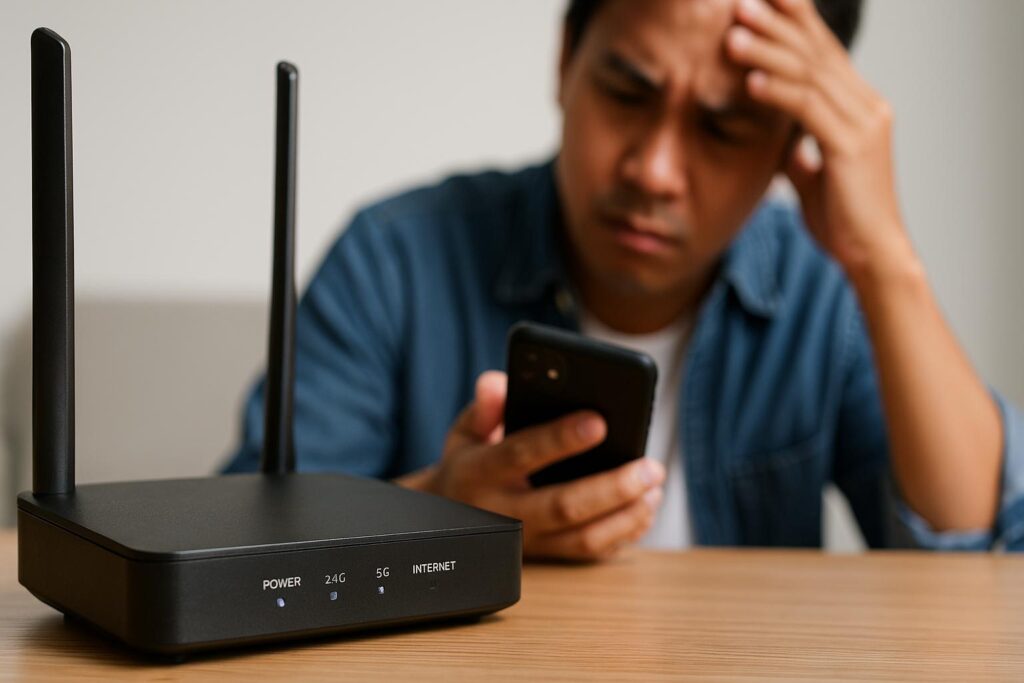
If guests repeatedly experience issues like “Wi-Fi won’t connect,” “the speed is unusually slow,” or “the connection keeps dropping,” the risk of receiving a low rating increases significantly. In fact, complaints such as “I couldn’t work at all because the internet wasn’t usable” or “my kids got bored because they couldn’t watch videos” are common, and mishandling these situations can seriously damage your reputation on review sites.
In this article, we’ll explore “how to handle Wi-Fi connection troubles at minpaku properties and how to prevent them in advance” from a variety of angles. We’ll start by covering common causes, then move on to practical solutions you can use on the ground, as well as concrete ways to build systems that prevent trouble before it happens. Please read through to the end.
1. Common Causes of Wi-Fi Trouble
1-1. Power or Connection Issues with the Router or Modem
One of the most basic issues at minpaku properties is a physical connection problem, such as “the router or modem’s power is off” or “a cable is loose.” If the equipment is wired incorrectly or the power cable isn’t properly plugged in when the guest tries to use the Wi-Fi after arrival, they naturally won’t be able to get online.
1-2. Line Speed and Data Cap Issues
Especially when using mobile routers, there’s often a monthly data cap or speed restriction, and heavy usage can cause speeds to drop significantly. When multiple guests are streaming movies or videos, or holding online meetings at the same time, it’s common for guests to feel that “the speed just isn’t there at all.” This kind of trouble tends to occur more often during long stays or with larger groups.
1-3. Signal Interference and Area Environment
Wi-Fi uses frequency bands such as 2.4GHz and 5GHz, but if nearby facilities are using the same frequency, signal interference can occur, leading to an unstable connection. In densely populated urban areas with many apartments and buildings, there tend to be more routers using the same channel, resulting in a more congested environment. There’s also the structural issue of reinforced concrete construction or thick walls making it harder for signals to reach certain areas.
1-4. Guest Device or Settings Errors
Sometimes the cause lies with the guest’s own smartphone or laptop. Issues such as entering the wrong Wi-Fi password, incorrect OS settings, or simply a malfunctioning wireless receiver on the device can occasionally occur — none of which are related to the host. These cases can often be difficult to identify.
2. Basic Steps to Take When Trouble Occurs
2-1. Restarting the Router or Modem
When you receive a message that the Wi-Fi isn’t working, the standard first step is to ask, “Could you please try turning the router and modem off and back on?” Pressing the reset button on the device, or unplugging the power cord and reconnecting it a few minutes later, can often restore the connection.
- Note: When asking guests to perform a reset, explain the steps clearly using photos to make it easy to follow
- Router lights: Check how the power and internet connection lights are lit up to identify any abnormalities
2-2. Keeping a Quick Guide on Hand at the Property
It’s helpful to have a quick guide placed in the room that guests can try before contacting the host when they run into Wi-Fi trouble — something like “try this first, and it might fix the problem.”
Example content:
- First, check the power of the router and modem
- Check whether the connection cord or LAN cable has come loose
- Turn off Wi-Fi on your device and turn it back on
- If an error light or message appears, send a screenshot to the host
2-3. Understanding Speed Limits and Data Caps
If your property uses mobile Wi-Fi, the host needs to keep track of the monthly data cap and speed limit status. When guests stream a large amount of video content, the cap can be reached quickly, often causing speeds to drop.
Explaining at check-in, “You can use high-speed data up to ○GB per month,” and giving guests a heads-up can help prevent trouble. In particular, guests using the property for business or remote work tend to want a stable connection, so it’s safer to prepare an unlimited plan such as fiber-optic broadband in advance.
3. Preventive Measures: What You Can Do in Advance
3-1. Choosing the Right Line and Investing in Equipment
If possible, installing a fixed broadband connection such as fiber-optic internet allows you to provide a stable connection even with heavy data usage.
For apartment-type properties, plans vary by provider, so it’s worth comparing speeds and costs in advance. While the cost tends to be higher than a mobile router, it’s a worthwhile investment when you consider the improvement in guest satisfaction and the potential for repeat bookings.
3-2. Regular Router Replacement and Firmware Updates
Routers are consumable items, and their performance can decline or fail unexpectedly after years of use. Upgrading to a newer model roughly every 3 to 5 years offers many benefits, such as faster Wi-Fi standards and improved features for avoiding congested frequency bands.
In addition, regularly updating the router’s firmware (internal software) helps prevent malfunctions and strengthens security.
3-3. Wi-Fi Channel Settings
On the 2.4GHz band, interference is common if nearby homes or facilities are using the same channel. Simply switching the channel from the router’s settings screen can sometimes improve speed and stability. Automatic settings aren’t always optimal, so it’s a good idea to periodically scan the signal environment using an app or PC software and manually change the channel if needed.
4. Guest Communication and Guidance
4-1. Checking Wi-Fi at Check-In
If possible, it’s ideal to have guests connect to the Wi-Fi together with you at check-in, so you can quickly confirm the speed and connection status. When an in-person check-in isn’t feasible, leaving out a clearly visible card with a Wi-Fi QR code, or the SSID and password, and encouraging guests to test the connection themselves can offer peace of mind.
4-2. Providing Information Before Arrival
To ease any concerns guests might have about Wi-Fi in advance, include information in your booking confirmation message or house guide, such as “The Wi-Fi is set up and ready to use. Here’s the approximate speed. If you experience any issues, please contact us.” This is especially important for international guests, who often worry about “not being able to get online right after arriving in Japan.” Providing this reassurance in advance can make a big difference in their overall comfort.
4-3. Backup Options in Case of Emergency
If trouble occurs and can’t be resolved right away, it’s worth having backup options ready, such as suggesting “there’s a nearby café with free Wi-Fi” or “there’s a convenience store nearby with Wi-Fi available.” You could also keep a spare pocket Wi-Fi device on hand to lend out in emergencies, minimizing the amount of time guests are left inconvenienced.
5. Long-Term Wi-Fi Management Strategy
5-1. Technical Support and Upgrade Planning
Wi-Fi technology and network equipment evolve quickly. It’s a good idea to regularly review your contract terms with providers and consider upgrading to a faster, more stable plan. As the number of guests grows and data usage increases, you may need to switch to an unlimited plan or a higher-speed line.
5-2. Security Considerations
When offering free Wi-Fi, it’s important to be mindful of password security and encryption methods (such as WPA2/WPA3). Consider measures like periodically changing passwords or granting each guest limited access, so guests can use the connection with peace of mind. Security can be a strong selling point, especially for corporate guests or those using the property for remote work.
5-3. Using Reviews and Feedback
Guest evaluations of the Wi-Fi environment are one of the aspects most commonly mentioned in reviews.
Positive reviews such as “the internet was great” or “perfect for remote work” can encourage other guests to book, boosting your reservation rate. On the other hand, if reviews mentioning “the internet was slow and frustrating” start piling up, it can become harder to attract bookings even at a lower price. That’s why it’s important to regularly check reviews and identify any issues that need addressing.
Contact Stay Buddy Inc.
In this article, we’ve taken a detailed look at “how to handle Wi-Fi connection troubles at minpaku properties and how to prevent them in advance,” covering router and network selection, maintenance methods, and key points for guest communication. An unstable Wi-Fi environment can quickly lower guest satisfaction and has a major impact on review scores. That’s exactly why it’s so important to regularly inspect your equipment and establish a clear response process for when trouble does occur.
If you find yourself feeling overwhelmed by maintaining your Wi-Fi setup or handling day-to-day guest support, or if you’d like to leave operations and reservation management to professionals to improve overall quality, please feel free to reach out to Stay Buddy Inc.
Drawing on our extensive experience managing minpaku properties, we provide comprehensive support ranging from equipment management to guest support, helping create a safe and comfortable operating environment for both owners and guests. If you’re looking to resolve Wi-Fi issues and other challenges while achieving stable revenue and high guest satisfaction, we’d love for you to reach out for a consultation.